How to Register on Steam — Create a Steam Account
Steam registration takes about 5 minutes. An account gives you access to a store with 70,000+ games, the Workshop, the Community Market and the community hub. Below is a step-by-step guide for PC and mobile.
Step 1. Open the Registration Page
Go to store.steampowered.com/join or open the Steam client and click "Create a Free Account". If you don't have the client yet, download Steam from the official website.
On mobile, you can register through the Steam app -- download it from the App Store or Google Play and select "Create Account" on the login screen.
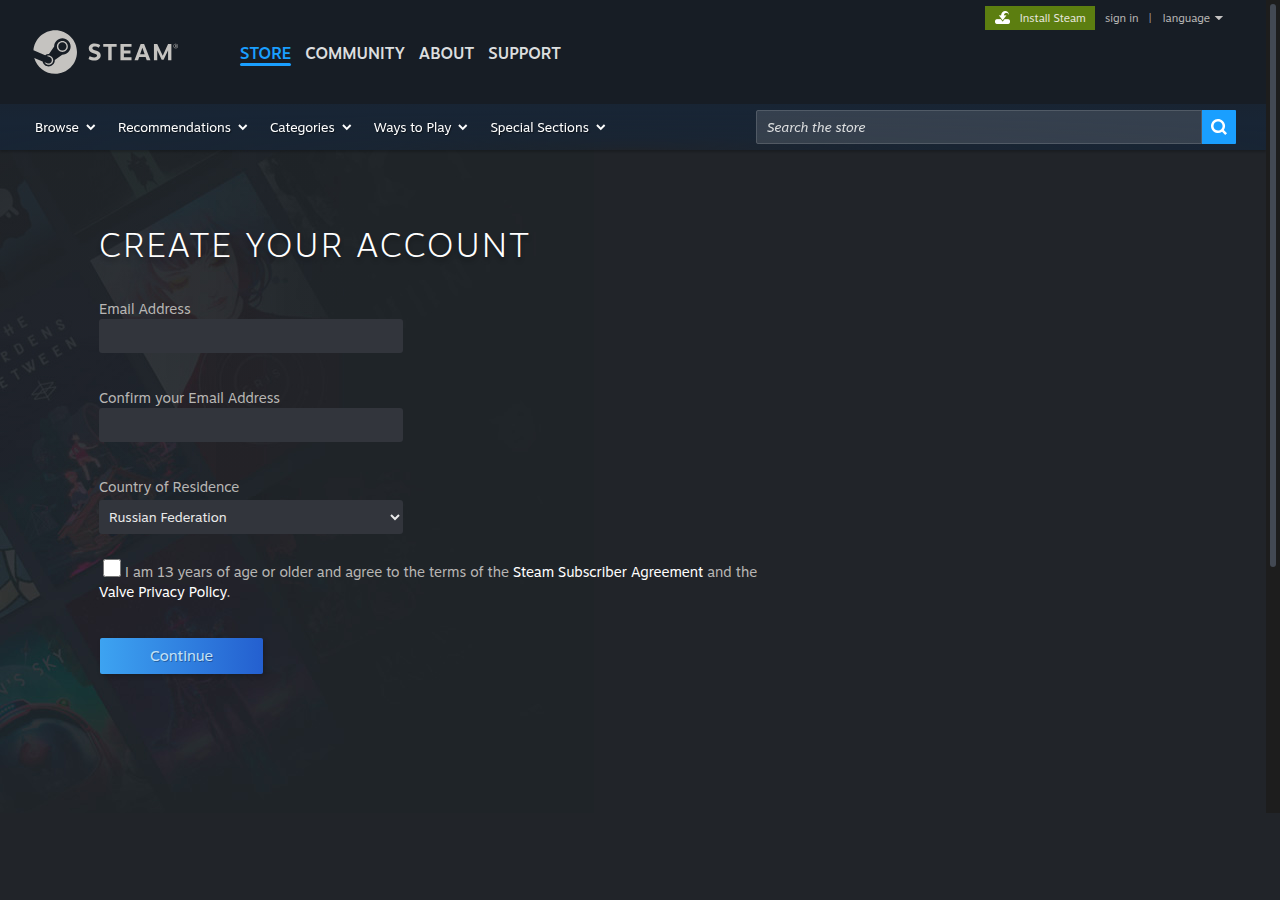
Steam registration page — store.steampowered.com/join
Step 2. Enter Your Email
Enter a valid email address. You will receive a confirmation link via email. Use an email you have permanent access to -- it will be needed for password recovery and receiving Steam Guard codes.
We recommend using Gmail, Outlook or another major email provider. Steam does not accept disposable email addresses.
Step 3. Confirm Your Email and Create a Password
Open the email from Steam and click the confirmation link. After confirming, return to the registration page -- it will update automatically.
Choose an account name (login) and password. The account name cannot be changed after creation, but your display name can be changed at any time. The password must be at least 8 characters long, including uppercase letters and numbers.
Step 4. Set Up Steam Guard
Steam Guard is two-factor authentication that protects your account from being hacked. After your first login, Steam will offer to enable Steam Guard via email or the mobile app.
The mobile authenticator is more secure: each login is confirmed through the Steam app on your phone. It also unlocks access to the Community Market and trading.
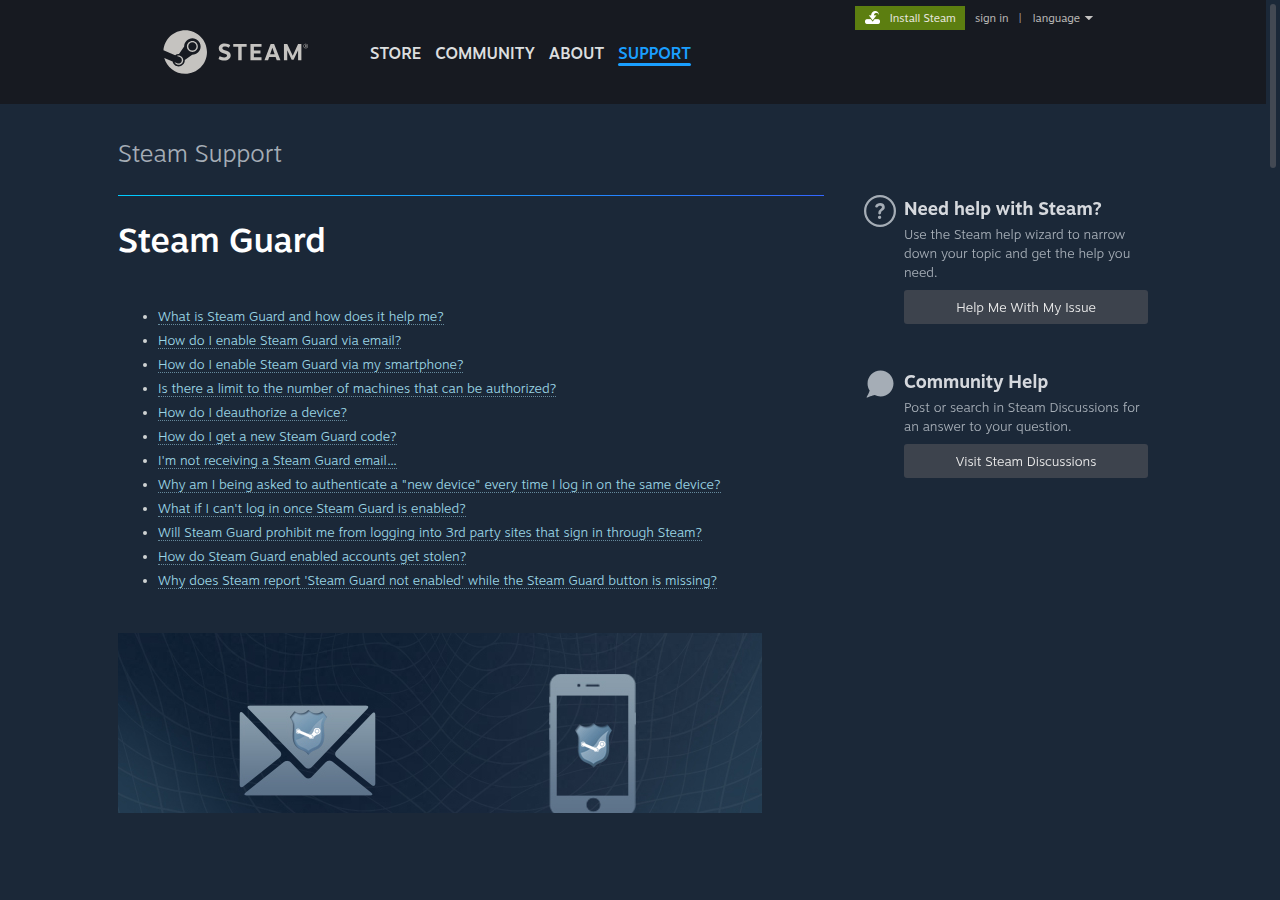
Steam Guard — two-factor account protection
Creating a Steam Account
Steam registration is available worldwide without restrictions. Your account is created with a store region based on your location, and prices are displayed in the local currency. To purchase games, you can top up your Steam wallet using various payment methods. Payment options vary by region.
Some players create accounts in regions with lower prices to save money. Learn more about this in our guide to changing your Steam region.
How to Create a Steam Account on Mobile
The process is the same as on PC. Download the Steam app from the App Store (iPhone) or Google Play (Android), open it and tap "Create Account". Enter your email, confirm it and set up your login and password.
On mobile, it is convenient to enable the Steam Guard mobile authenticator right away -- it will generate confirmation codes directly in the app.
What to Do After Registration
A new Steam account has limitations: you cannot add friends, post on forums or participate in trades until you make a purchase of at least $5. This is a spam protection measure. After any purchase or wallet top-up, the restrictions are lifted.
Set up Steam Guard via the mobile app -- this will unlock the Community Market after 15 days. Customize your profile, add an avatar and fill in your information.
Useful Sections
Download Steam
Official download links for Steam on PC, Mac, Android and iPhone.
How to Change Your Steam Region
Guide to changing your Steam account region for better prices.
Top Up Steam
Rating of 50+ services for topping up your Steam wallet.
Steam Game Deals
Catalog of current Steam game discounts. Thousands of deals up to 90% off.
Steam Account Value
Find out how much your Steam account is worth based on current game prices.