How to Change Your Steam Region — Switch Account Country
Changing your Steam region lets you buy games at prices set for a different country. Players often switch to regions like Argentina, Turkey or Kazakhstan for lower prices. Here we explain how it works, the risks involved and what you need to make the switch.
Why Change Your Steam Region
Steam prices vary by country. Valve sets recommended prices for each region, and publishers usually follow them. For example, a game priced at $60 in the US store might cost the equivalent of $30-40 in cheaper regions like Argentina or Turkey.
By switching to a region with lower prices, you can save significantly on game purchases. You can track current Steam exchange rates on the SteamCurrency homepage.
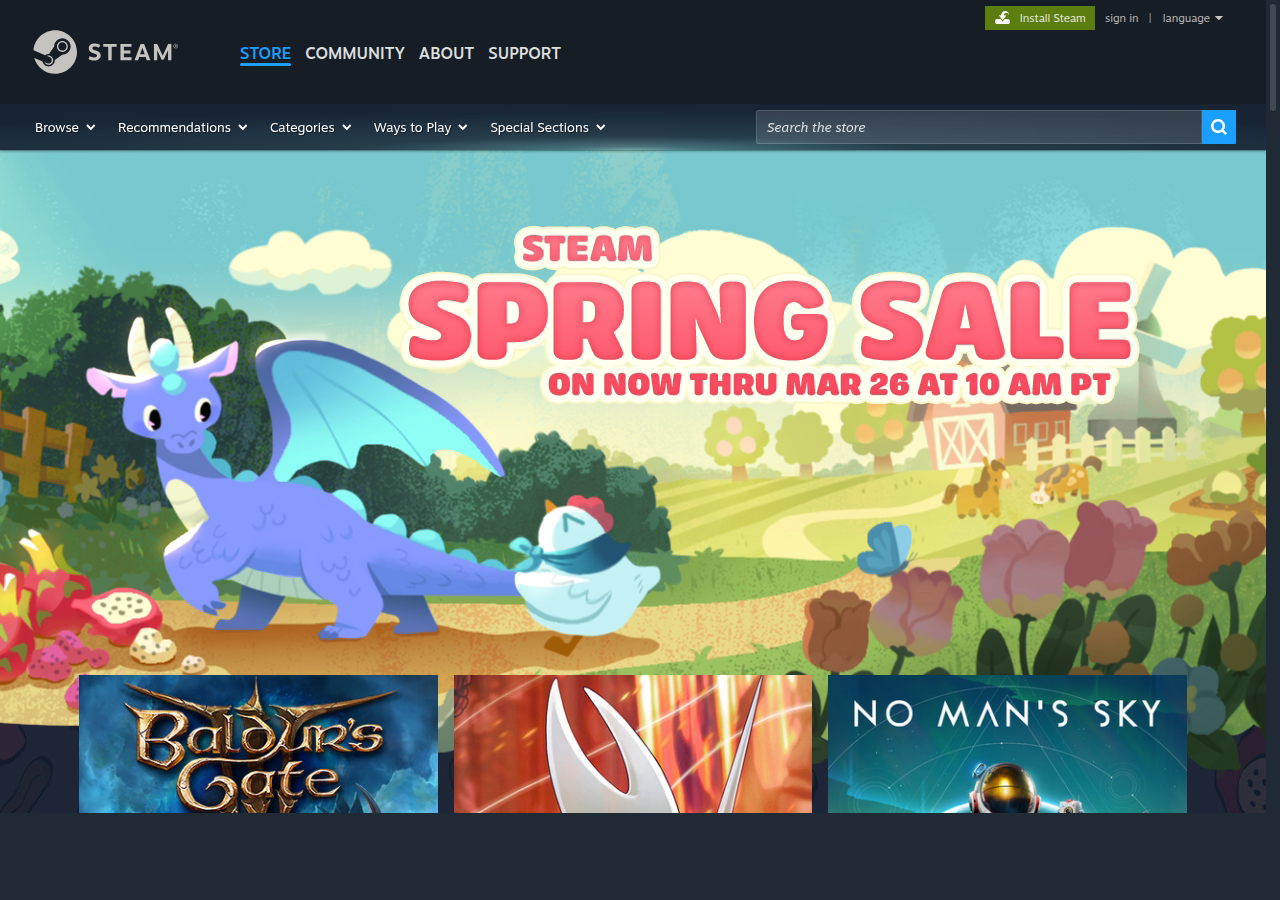
Steam Store — prices depend on your account region
How to Change Your Steam Region — Step-by-Step Guide
1. Open your account settings. In the Steam client, click your name in the top right corner and select "Account Details". Or go to store.steampowered.com/account.
2. Update your store country. Find the "Store Country" section and click "Update Store Country". Select the desired country from the list.
3. Make a purchase with a payment method from the target country. Steam will require payment from a payment method linked to the selected country. Top up your wallet with a minimum amount or buy any game.
4. Region changed. After a successful payment, the store will switch to the currency and prices of the new country. All your games and achievements are preserved.
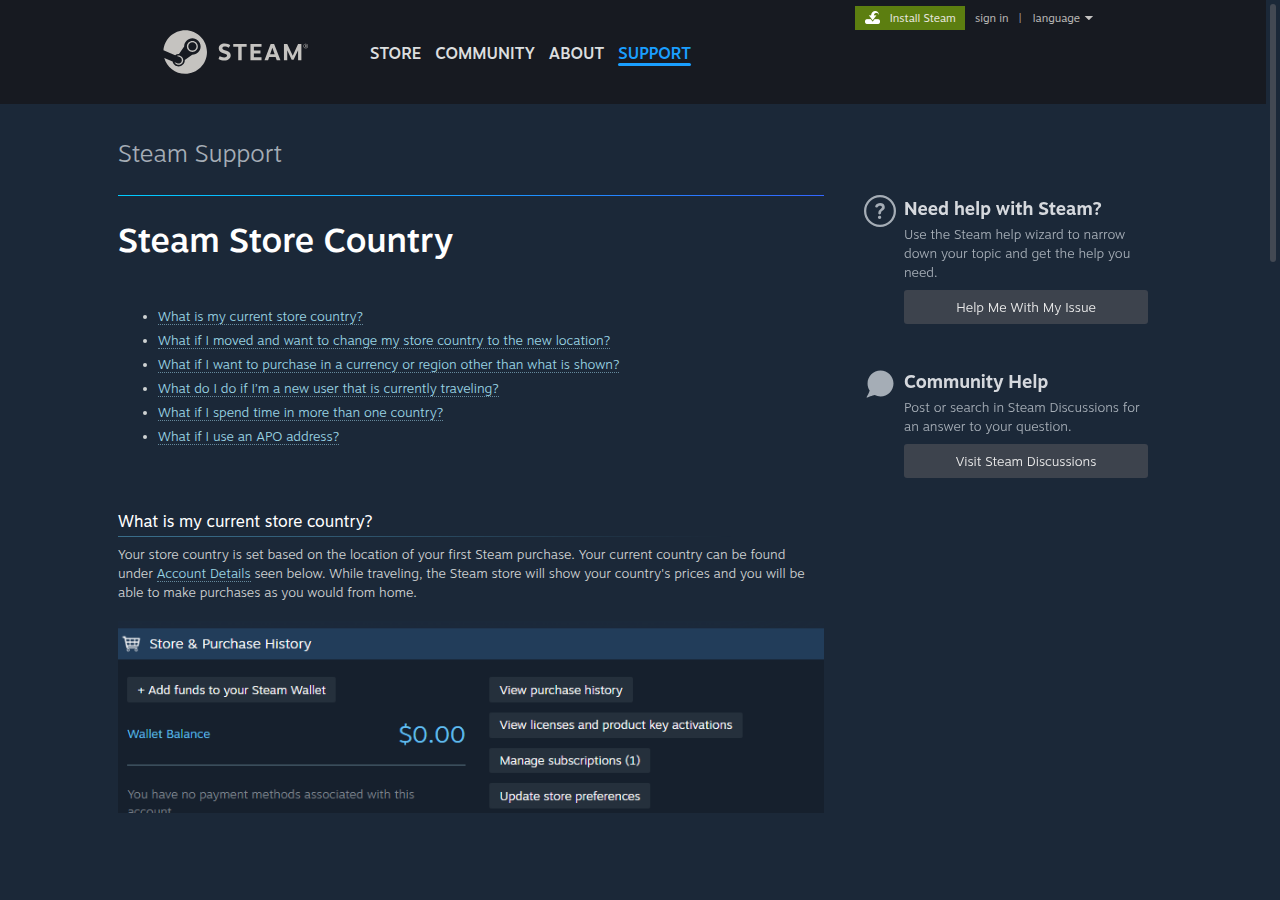
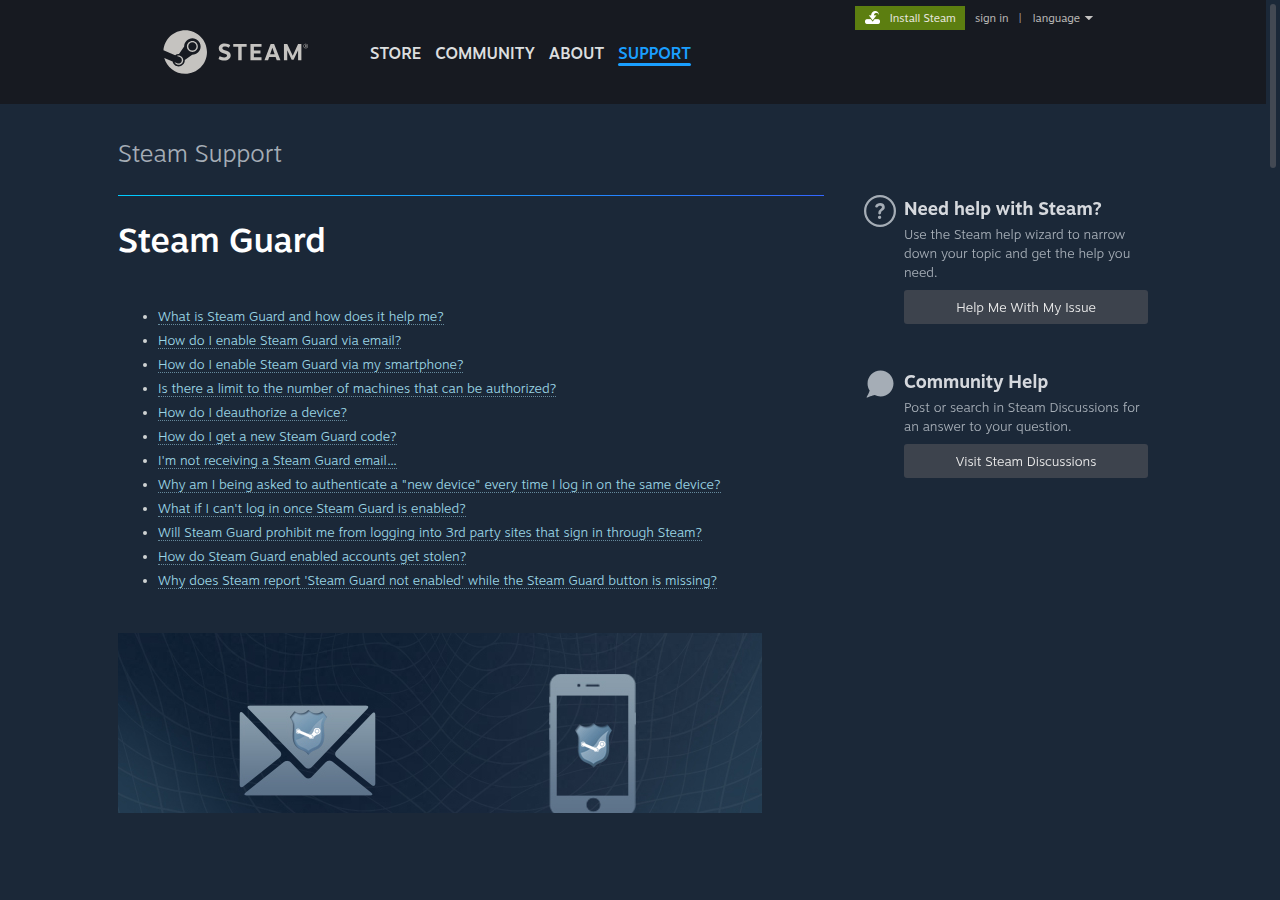
Steam Support page — information about changing your store country
What Payment Method Do You Need
Steam determines your region by your payment method. To change regions, you need a payment method from the target country:
- Argentina — an Argentine payment method. Valve has tightened requirements for this region, making the switch more difficult.
- Turkey — a Turkish bank card or a virtual card through specialized services.
- Kazakhstan — Kaspi, Halyk Bank, or Jusan. Some cards can be issued remotely through their apps.
An alternative is to use services that provide a "turnkey" region change. They can be found on various gaming marketplaces. Check our service ratings for recommendations.
Risks of Changing Your Steam Region
Valve does not prohibit region changes, but there are important considerations:
- Frequent switching — changing regions back and forth every month is not recommended. Valve may restrict the ability to change or lock your account.
- Regional locks — some games and DLC have regional restrictions. After changing your region, some content may become unavailable for purchase.
- Wallet balance — your wallet balance is converted to the new region's currency at Valve's exchange rate, which may not be favorable.
- Gifts — gifts purchased in one region may not activate in another due to price restrictions.
How to Change Your Steam Region on Mobile
In the Steam mobile app, open the menu, go to "Account Details" and find "Store Country". The process is the same as on PC -- select a new country and make a purchase with a payment method from that country.
If you don't have the Steam app yet, download it from the App Store or Google Play.
Cheapest Steam Regions
The cheapest Steam regions include Argentina, Turkey, and Kazakhstan. Prices in these regions can be 40-70% lower than in the US or Europe. However, Valve has been gradually adjusting regional pricing to reduce the gap.
You can compare Steam currency exchange rates across all regions on SteamCurrency -- we update rates daily.
Useful Sections
Steam Exchange Rates
Current exchange rates for all Steam currencies. Charts, history, comparison.
Top Up Steam
Rating of 50+ services for topping up your Steam wallet.
Steam Registration
How to create a Steam account on PC and mobile. Step-by-step guide.
Steam Sales 2026
Schedule of all Steam sales and festivals.
Steam Account Value
Find out how much your Steam account is worth based on current game prices.