How to Top Up Steam Wallet in 2026
The Steam wallet is the main way to pay for games, DLC, and in-game items. In this guide, we cover all current methods to add funds to your Steam wallet, including options available for users in Russia and CIS countries where direct card payments are restricted.
1. Direct Top-Up via Steam
The standard method — works for users in regions where Steam accepts local payment methods.
- Open the Steam client or go to store.steampowered.com
- Click your account name in the top right corner and select Account Details
- Click Add Funds to your Steam Wallet
- Select the amount (from $5 to $100)
- Choose a payment method and complete the transaction
Available payment methods depend on your Steam region: credit/debit cards, PayPal, Alipay, WebMoney, and others.
2. Third-Party Top-Up Services
The most popular method for users in Russia and CIS. Specialized services accept local payment methods (Russian bank cards, SBP, cryptocurrency) and add funds to your Steam wallet.
How it works:
- Choose a top-up service and enter your Steam login or profile link
- Select the wallet currency and top-up amount
- Pay using a convenient method (bank card, SBP, crypto)
- Receive the funds in your Steam wallet (usually 1-15 minutes)
Compare services on our site
We compare top-up services by fees, reviews, and payment methods. See the comparison table to find the best option.
3. Steam Gift Cards
Physical or digital gift cards with a fixed amount. You can buy them in retail stores or online.
How to activate a gift card:
- Open Steam and go to Games → Activate a Product on Steam
- Or go to store.steampowered.com/account/redeemwalletcode
- Enter the code from the card
- The funds will be credited to your wallet
4. Top-Up in a Different Currency (Regional Pricing)
Steam uses regional pricing — the same game can cost significantly less in Turkey, Kazakhstan, or Brazil. If your account is set to one of these regions, you can top up in the local currency and save on purchases.
Check current exchange rates for Steam currencies on our main page. Compare how much a game costs in different regions on the game catalog.
Tips for Safe Top-Up
- Use verified services — check reviews and ratings before paying. Our comparison table shows service ratings based on real user reviews.
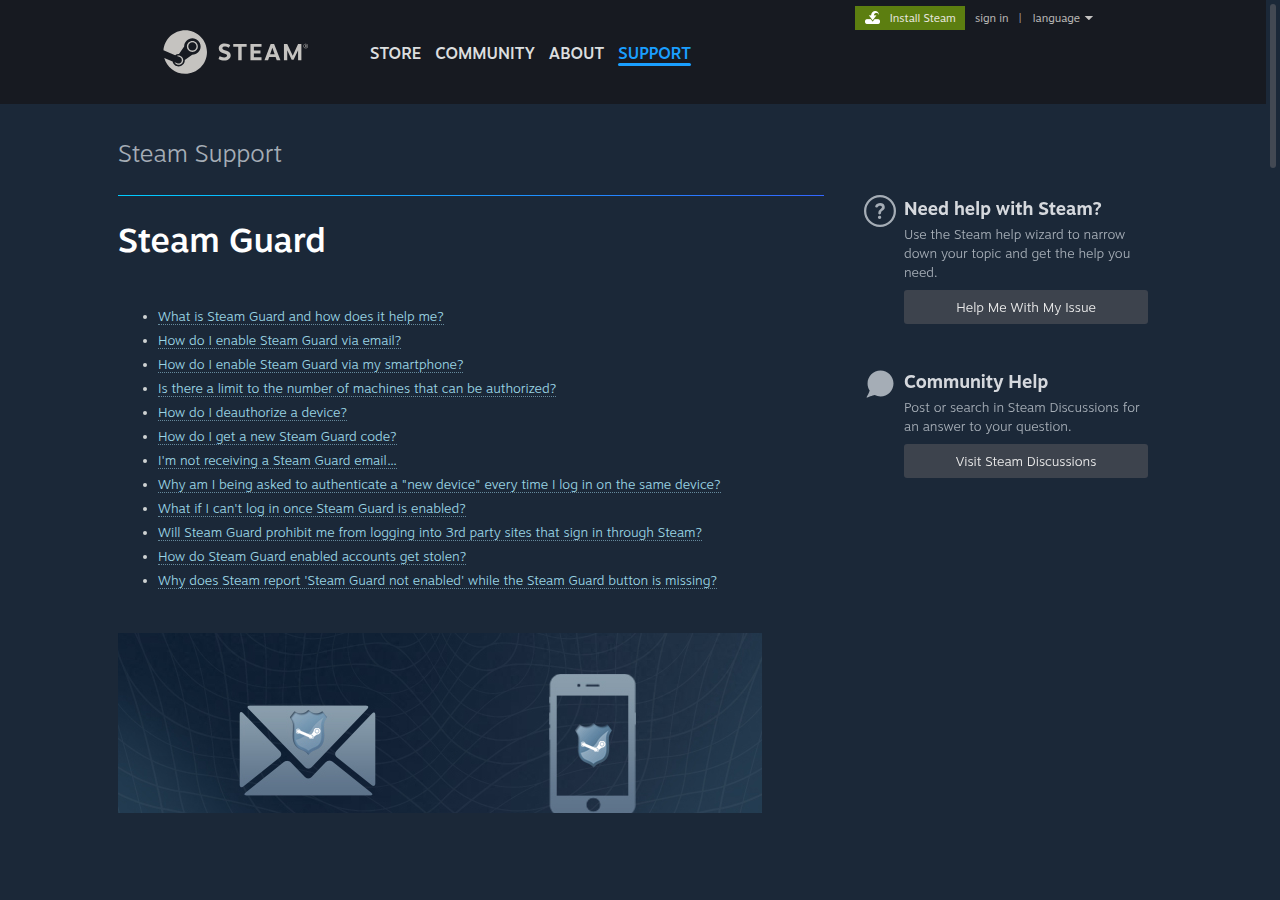
- Enable Steam Guard — two-factor authentication protects your account and wallet from unauthorized access.
- Check the wallet currency — make sure the top-up currency matches your Steam wallet currency. Mismatched currencies may result in conversion fees.
- Keep the receipt — save transaction confirmation in case you need to contact support.
- Avoid unofficial sellers — buying accounts or using gray-market codes can lead to your account being banned.
Useful Sections
Top Up Steam — Service Comparison
Rating of 50+ services for topping up your Steam wallet.
How to Change Your Steam Region
Guide to changing your Steam account region for better prices.
Steam Registration
Step-by-step guide to creating a Steam account on PC and mobile.
Steam Game Deals
Catalog of current Steam game discounts. Thousands of deals up to 90% off.